To All Posts
Steer an AI Office Action Response Without Rewriting It

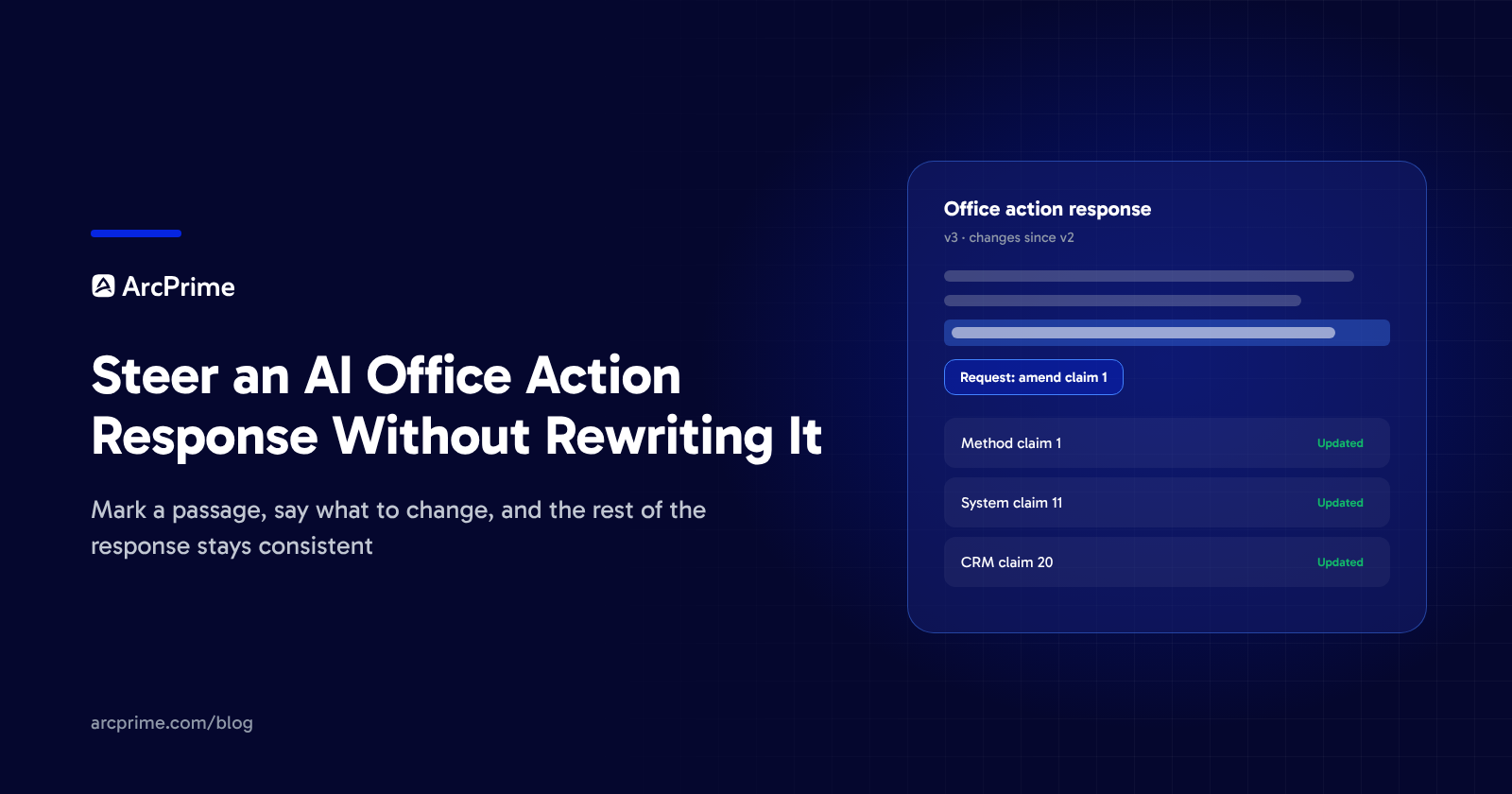
Once counsel marks a passage and says what to change, the next version of an AI office action response carries that change into the arguments, mirroring claims and dependents it affects, along with a guide to what changed. ArcPrime's office action response workflow keeps every round as its own version, so counsel can see how the draft moved from one round to the next.
ArcPrime is the AI native IP Management System covering the full patent lifecycle in one platform, from invention disclosure to enforcement.
Can you edit an AI drafted office action response?
Counsel can edit an AI drafted office action response in ArcPrime by selecting any passage and filing a request that says what to change, or by typing directly in the draft, including over text the AI wrote. Counsel can file several requests over the course of a review and choose when to generate the next version from them. The chat assistant can file a request as well, carrying the context of the conversation that produced it. Chat never edits the document on its own.
What happens to the rest of the response when a claim changes?
When a claim changes, ArcPrime makes the requested edit and then brings the rest of the response into line with it. Arguments that discuss the amended claim are rewritten to follow it. An amendment to one independent claim extends to the mirroring claims in the method, system and computer readable medium sets and to the dependents of each. An amended term is updated everywhere it appears in the response.
Each round's edits show in the draft as tracked changes, attributed to the AI round or to the attorney who typed them, the way Word marks insertions and deletions by author. Any change counsel did not ask for is marked as not requested, so the edits ArcPrime made to keep the response consistent stand apart from the ones a request named.
Sections that no edit in the round touches stay exactly as they were, so counsel's earlier review of those sections still stands.
How does counsel see what changed between versions?
Every round produces a new version with a written description and a guide to what changed since the last one. The guide gives the reason for each change and reports on every request counsel filed, either as addressed, with a link to the change that answered it, or as declined, with a reason. The guide also explains the edits a request caused elsewhere in the response, including why a mirroring claim or an argument changed when the request named only one independent claim. A second or third round can be reviewed from the guide and the tracked changes without rereading the whole response.
Counsel can compare any two versions or restore an older one. A restore appears as its own redline for counsel to review, with every earlier version kept.
Which claim markup goes into the filed response?
Claim markup in the filed claims section runs against the claims as last entered before the office action being answered (37 CFR 1.121). Redlines between one draft version and the next stay in the version comparison counsel uses during review. Approving a version marks it as ready to file. The Word (.docx) download is built from the current draft version, with the same claim markup as the filed claims section.
Can outside counsel steer an AI office action response?
Outside counsel and external paralegals assigned to a matter can steer the office action response on that matter just as the company's own counsel do, including starting the draft and exporting it to Word. Their access stays limited to the matters they are assigned to. For a company running an AI office action response program with outside firms, the assigned firm's edits and the company's own sit in one version history on each response, marked by author.
Book a demo to see how ArcPrime handles office action responses.
Subscribe to our newsletter
Get the latest insights on IP strategy and patent portfolio management, straight to your inbox.
Power Every Patent Decision
With One Platform
See how ArcPrime connects your portfolio, workflows, and business context to help your team make better decisions across the patent lifecycle.