To All Posts
How to Automate Patent Docketing and Keep One Source of Truth


When your general counsel asks how many US applications are pending in a product area, you want to answer straight from your docket. Between the filing date and the day someone opens the matter, the most current record of a new filing sits in outside counsel's docketing system and sometimes in an internal intake spreadsheet. Your count is short by every filing that has not been entered yet. Software that can automate patent docketing narrows that gap by opening each matter from the USPTO's own record of the filing.
Manual entry leaves your docket behind the firms
The gap between your count and USPTO records grows with every firm you file through and every filing those firms handle. Finding the missing filings by hand takes time away from prosecution and portfolio work.
Because a docket fed through your company's USPTO customer number before publication and from the USPTO's public Patent File Wrapper data afterward keeps pace with USPTO records, you can treat that docket as the source of truth.
The USPTO and EPO already hold most of what a new matter needs
The USPTO's Patent File Wrapper on its Open Data Portal carries front page bibliographic information for granted patents and published applications, along with continuity data, attached documents and transaction activity. A matter built from that data opens with the USPTO's own title, parties, dates and documents.
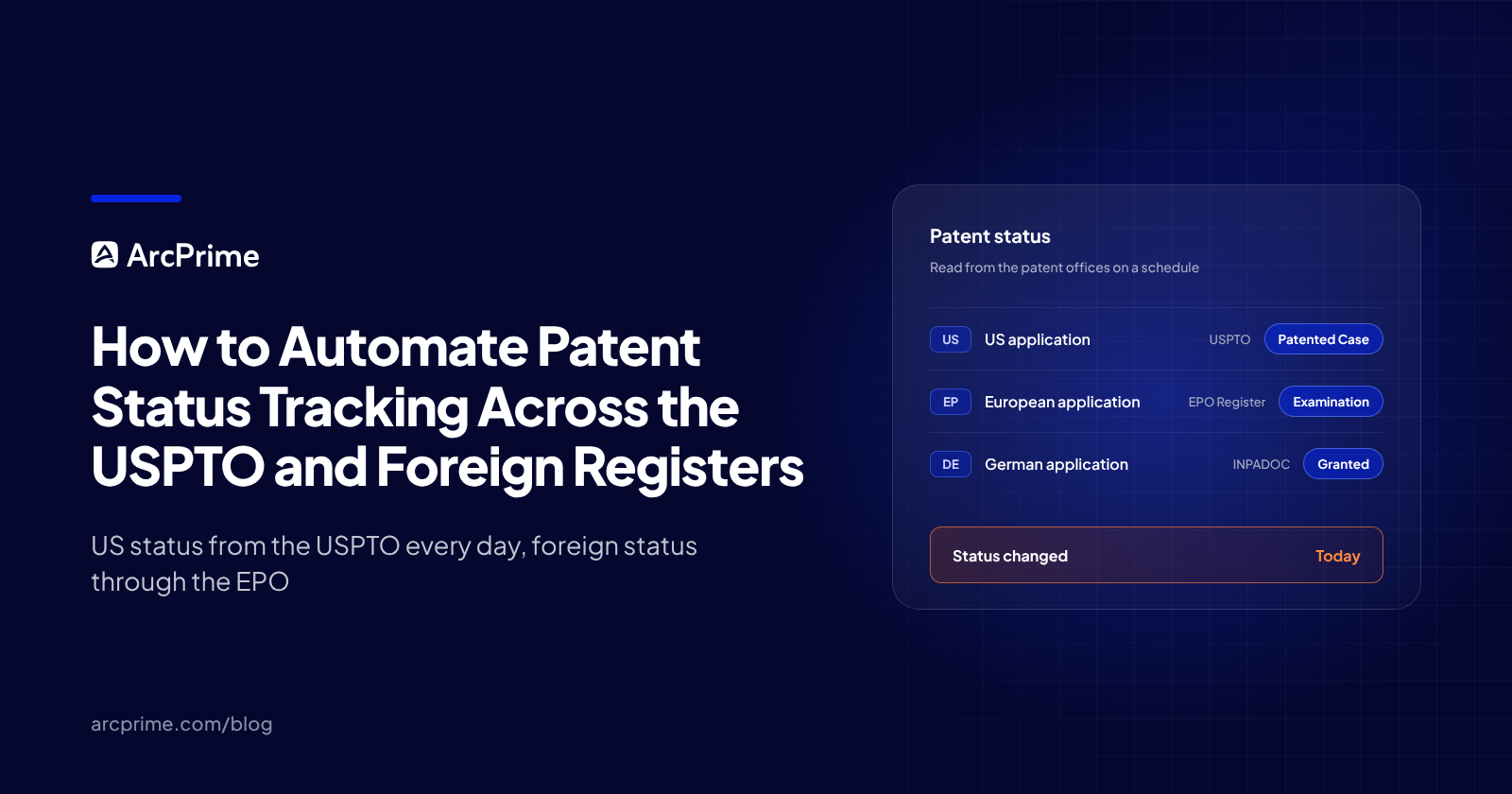
For family members outside the US, the EPO's INPADOC family data on Espacenet lists a family's published members in one source.
Automatic entry leaves you a smaller cleanup list
If a filing's title or inventor list changed after an invention disclosure was opened for it, software can only offer a partial match to the matter that disclosure started. Someone on your team confirms whether the two records belong together. Software also has no way to know which subsidiary names belong on your company's list of assignee names, so someone keeps that list current.
Outside counsel's docket or the USPTO record will sometimes differ from your internal record on a priority claim or a publication date. An automatic overwrite would swap one value for the other and hide the fact that the sources ever disagreed. Holding the disagreement for someone on your team keeps both values on record until that person enters the right value.
ArcPrime creates and updates matters from patent office records
When you automate patent docketing in ArcPrime, the patent offices supply new matters and their updates, and your team settles the disagreements. Once your USPTO customer numbers are set up in ArcPrime, ArcPrime detects each new US application filed under them and matches the application to the matter it belongs to, without merging any two matters automatically. If no existing matter matches within a short window, ArcPrime opens a new matter for that application.
ArcPrime picks up continuations, divisionals and CIPs from the USPTO's continuity data and places them in their families. Your count of pending applications in a product area then includes each of those family members along with the parent it claims priority to. ArcPrime also adds filings published under your company's assignee names automatically, in the US and in other countries, so a newly published foreign application lands in your docket whether or not a firm has reported it yet. With USPTO file wrapper documents attached to their matters automatically, you can check a status against the USPTO's own papers without leaving the docket. For European, Chinese, Japanese and Korean cases, ArcPrime pulls in each office's documents as that office adds or updates them. Foreign Patent Prosecution Files for EP, CN, JP and KR lists what arrives.
Routine fields such as status and claims update automatically. Where the USPTO, outside counsel and your internal record disagree, ArcPrime flags the difference for a person to resolve. The next time your general counsel asks for that count, you can answer from the docket, and fewer of your team's hours go to reconciling records.
Book a demo to see ArcPrime in action.
Frequently Asked Questions
Does automatic entry create duplicate matters when outside counsel reports the same filing?
No. Filing and correspondence emails from outside counsel attach to the matter they concern in ArcPrime and update it.
How complete is EPO data on national validations?
Not fully. The EPO's European Patent Register FAQ advises treating INPADOC legal events, including those reported from national registers, as supplementary data. It also says the legal status of a national validation can only be obtained directly from the national patent office. ArcPrime creates each EP validation as its own matter from those EPO legal events, and the national patent office stays the authority on that validation's legal status.
How is ongoing entry different from migrating from another IP system?
Migration is a one time move of your existing portfolio into ArcPrime, run by ArcPrime's engineers, who validate the data against USPTO or international records before cutover. The guide What actually happens when you switch IP systems, and why it usually goes wrong covers where those projects tend to fail. After cutover, ongoing entry continues from the patent offices' data, and when you add a patent by number, ArcPrime fills in its details and brings in its family members outside the US.
Subscribe to our newsletter
Get the latest insights on IP strategy and patent portfolio management, straight to your inbox.
Power Every Patent Decision
With One Platform
See how ArcPrime connects your portfolio, workflows, and business context to help your team make better decisions across the patent lifecycle.